Install on site
Mount the unit
Section titled “Mount the unit”-
The antenna must see the open sky and, toward the water, the sector of sky between about 5° and 45° of elevation. Walls, railings, trees and buildings in that direction block or confuse the reflections (site requirements).
-
Mount it as stably as possible: the measured quantity is the vertical distance from the antenna to the water, so any movement of the antenna appears as a water-level change.
-
1–10 m above the water is the most comfortable range; more height means a larger, farther footprint (needs more open water) and faster oscillations.
-
Fix the enclosure with its lid toward the water (the azimuth window must be on the lid side) and the solar panel facing the sun. Keep large reflective surfaces, such as a parked car, out of the sector.
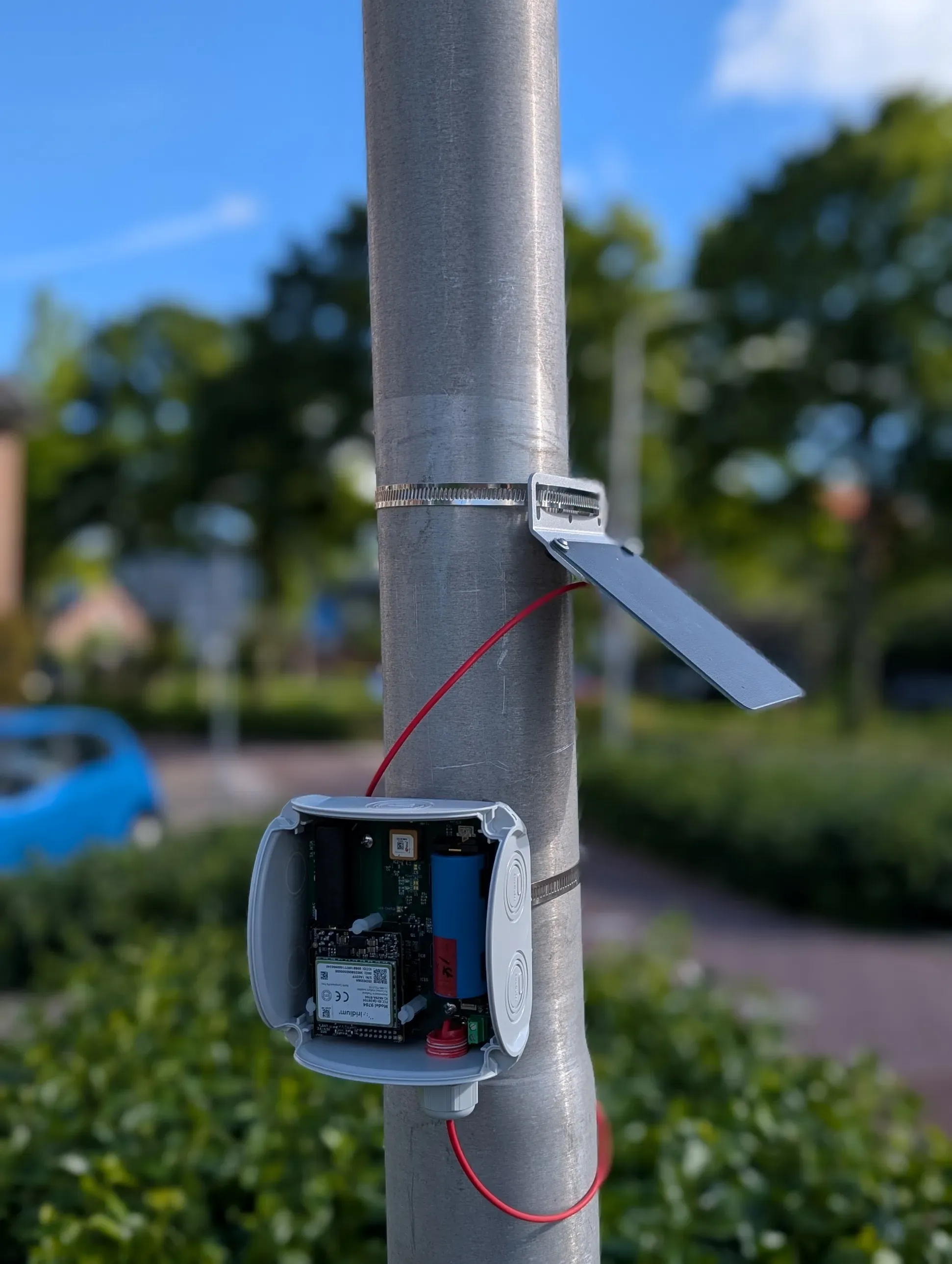
A unit clamped on a pole with hose clamps; the solar panel on its own bracket above.
Photo: TAHMO WLM assembly manual.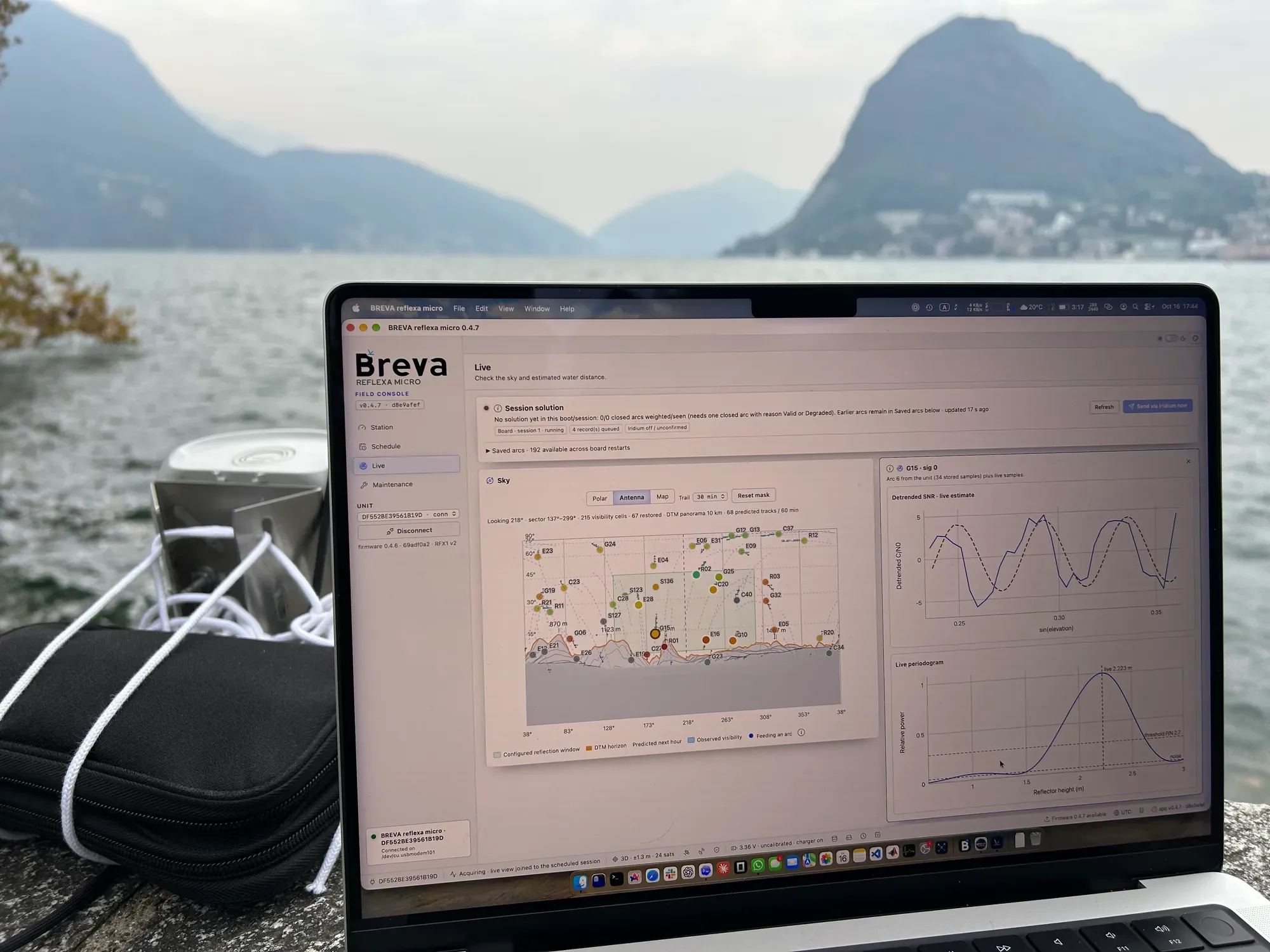
Test session: unit and laptop on a lake-side wall.
Antenna height
Section titled “Antenna height”The antenna height above the water is not critical: it is only a starting point. The unit measures the real height itself, and after three accepted arcs the Station page shows the measured value.
- If it is easy to measure, use a tape from the antenna to the water: it gives a quick check of the first results. The unit measures from the antenna phase centre, a little below the top of the enclosure.
- If it cannot be measured, estimate it by eye and enter a credible value. Within a factor of two is enough: with the search range on Auto the unit searches from half to twice your value (a guess of 3 m covers 1.5–6 m) and widens the range by itself when reflections land on its edge.
- If you have no idea at all, leave the field empty: the unit then searches the widest range the elevation window allows.
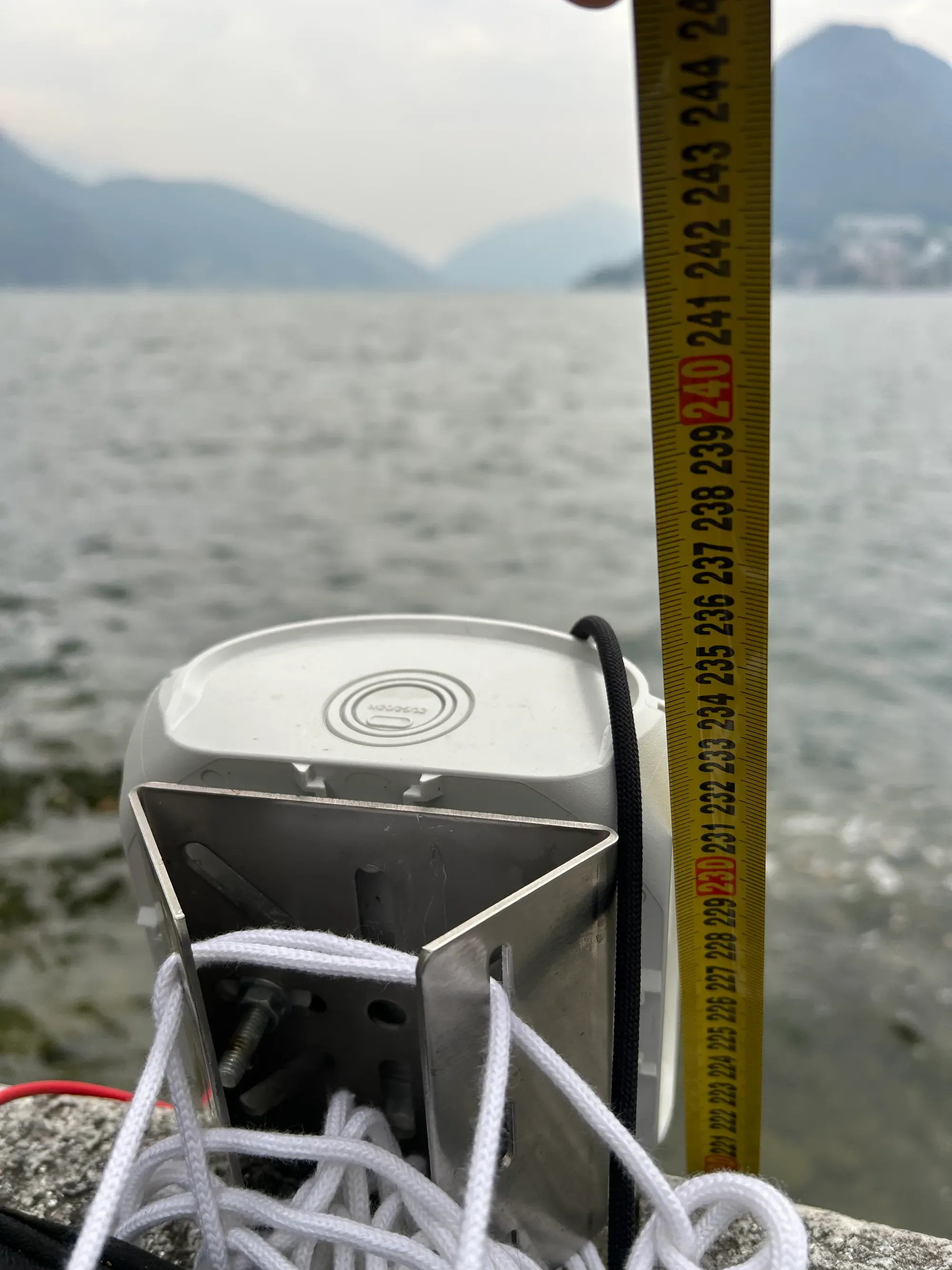
Test installation: a tape from the antenna to the water to check the antenna height.
Connect the unit
Section titled “Connect the unit”-
Plug the unit in with a data-capable USB-C cable and start the app. With one unit, the app connects by itself; with several, choose one under Unit and press Connect.
-
The status bar turns green and shows the unit state.
-
If the unit has no valid time yet (just powered, no GNSS fix), the app sets the unit clock from the computer. A GNSS time is never overwritten.
A device listed as Unverified RP2350 device is not a reflexa micro unit running compatible firmware and is never used.
Configure the station
Section titled “Configure the station”On the Station page (Normal mode):
-
Keep the position on Auto (from receiver).
-
Drag across the compass toward the water to draw a sector (up to eight).
-
Use an elevation window of about 5° to 45°.
-
Enter the antenna height, measured or estimated by eye, or leave it empty if you have no idea. Keep the water-distance search range on Auto.
-
Press Save to station: the app shows the differences, the unit validates them, the app writes once and reads back to verify.
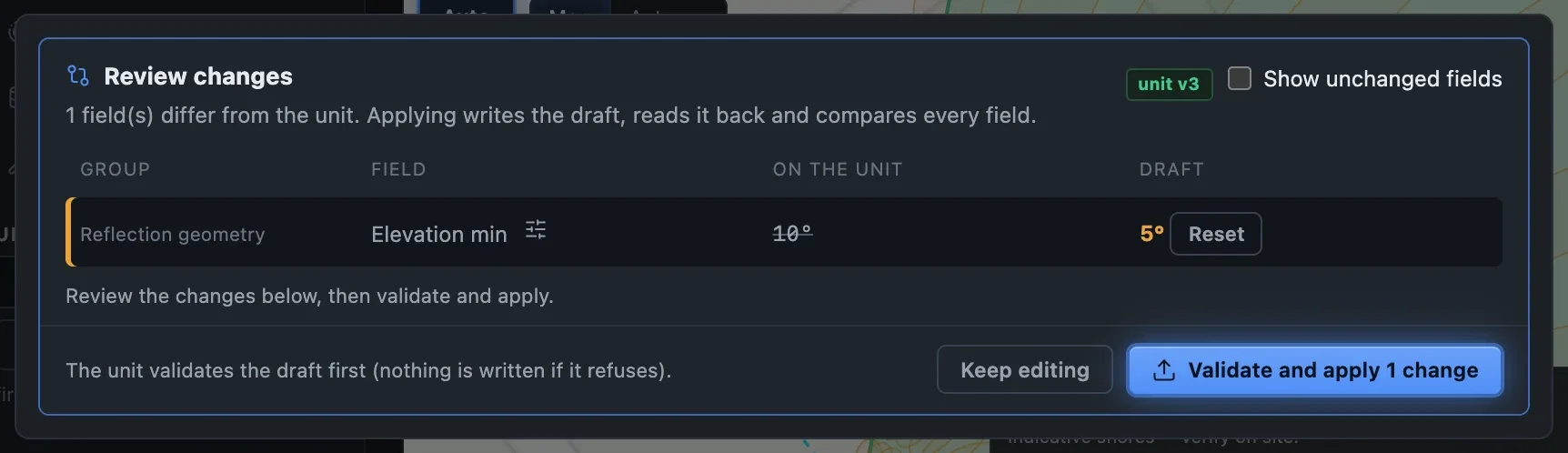
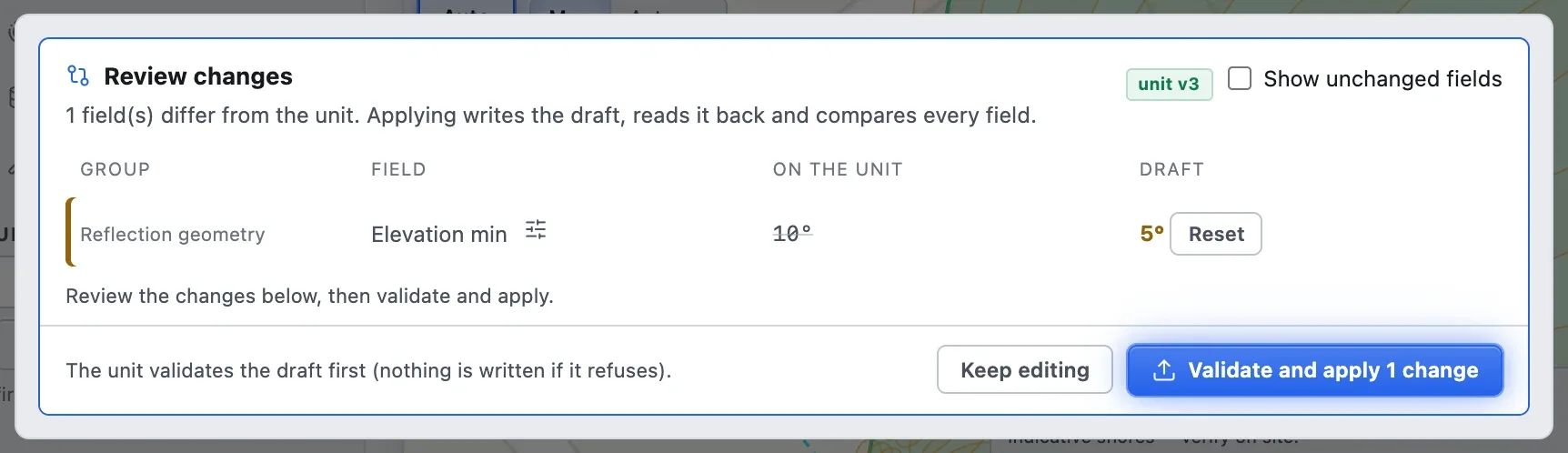
Simulator The review before saving: each changed field, what is on the unit and the draft.
Every control of the page is described in Station. Then set the Schedule and verify live.