

Maintenance
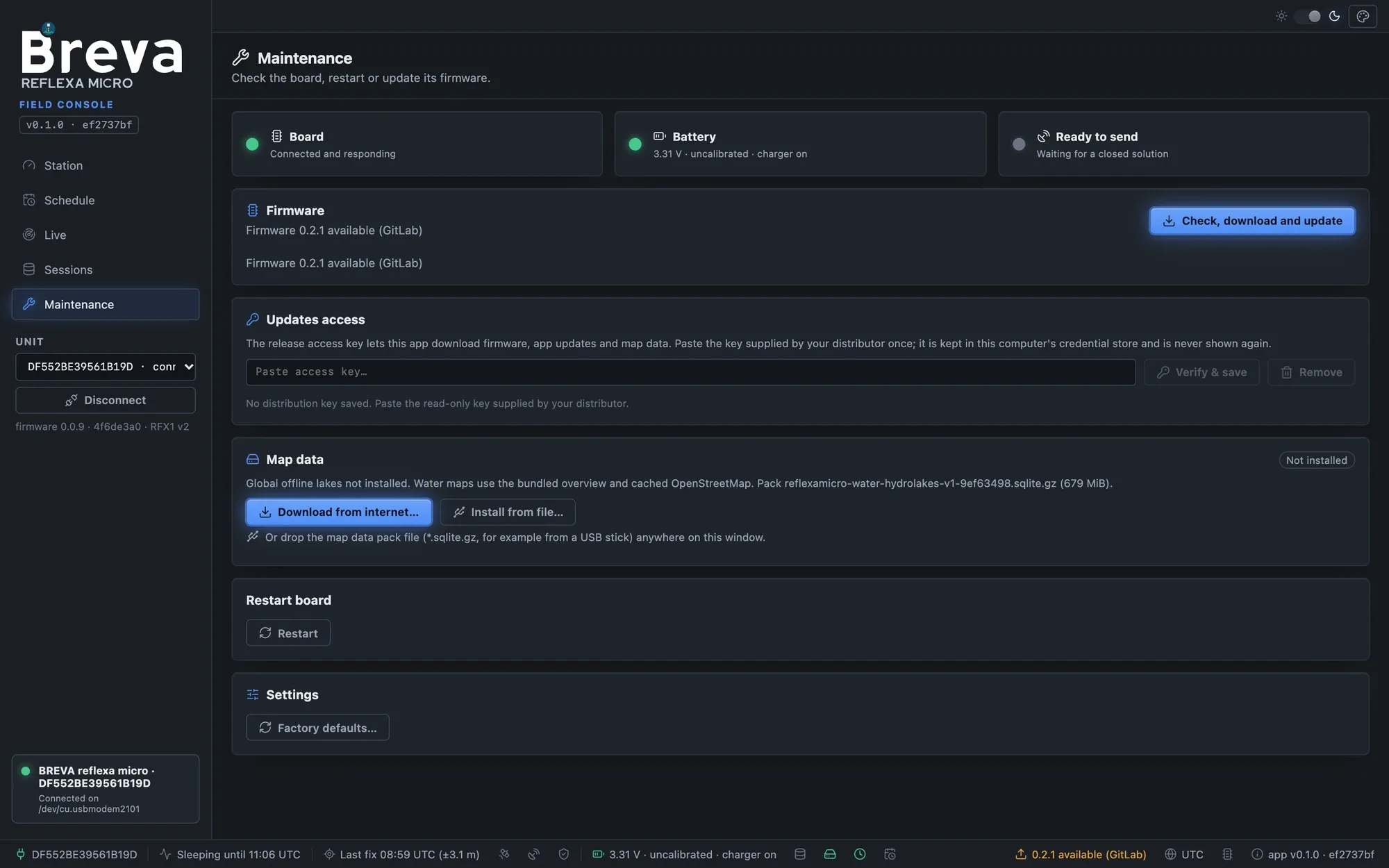
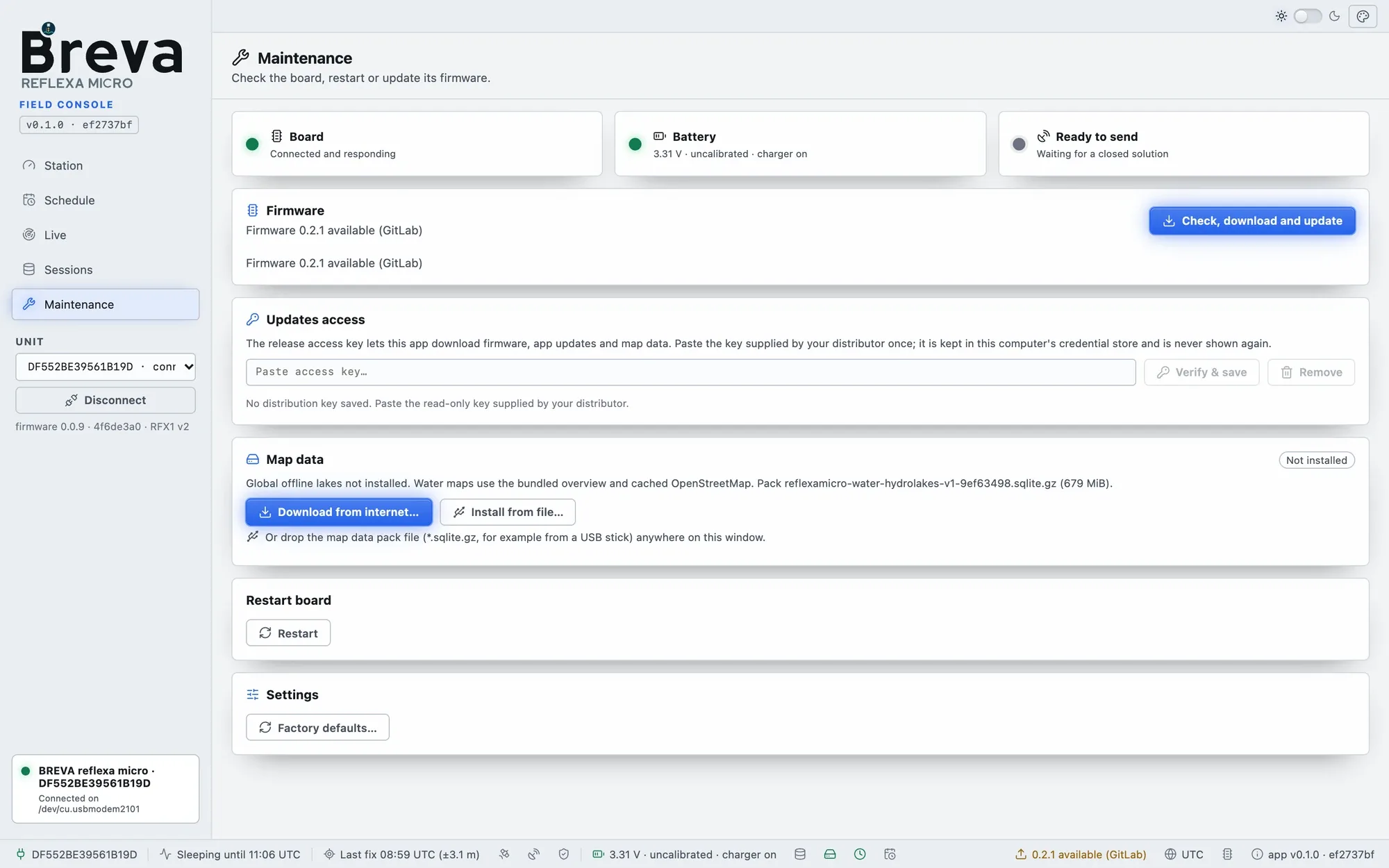
Maintenance page: unit state, firmware, service actions and map data.
- Board / Battery / Ready to send: the unit state at a glance. The battery is shown as measured and uncalibrated (a few percent of error); a LiFePO4 cell rests at about 3.2–3.3 V for most of its capacity.
- Firmware: compares the unit firmware with the one bundled in the app and with the release channel; Check, download and update runs the guided update.
- Check modem (no traffic): switches the modem on, measures the signal and reads the modem identity without sending anything (free).
- Restart board; Factory defaults (shows the differences first).
- Map data: install, download or remove the global offline lakes (map data pack).
Advanced mode
Section titled “Advanced mode”In Advanced mode, Maintenance has four tabs. Discovery is read-only: only the actions you press act on the unit.
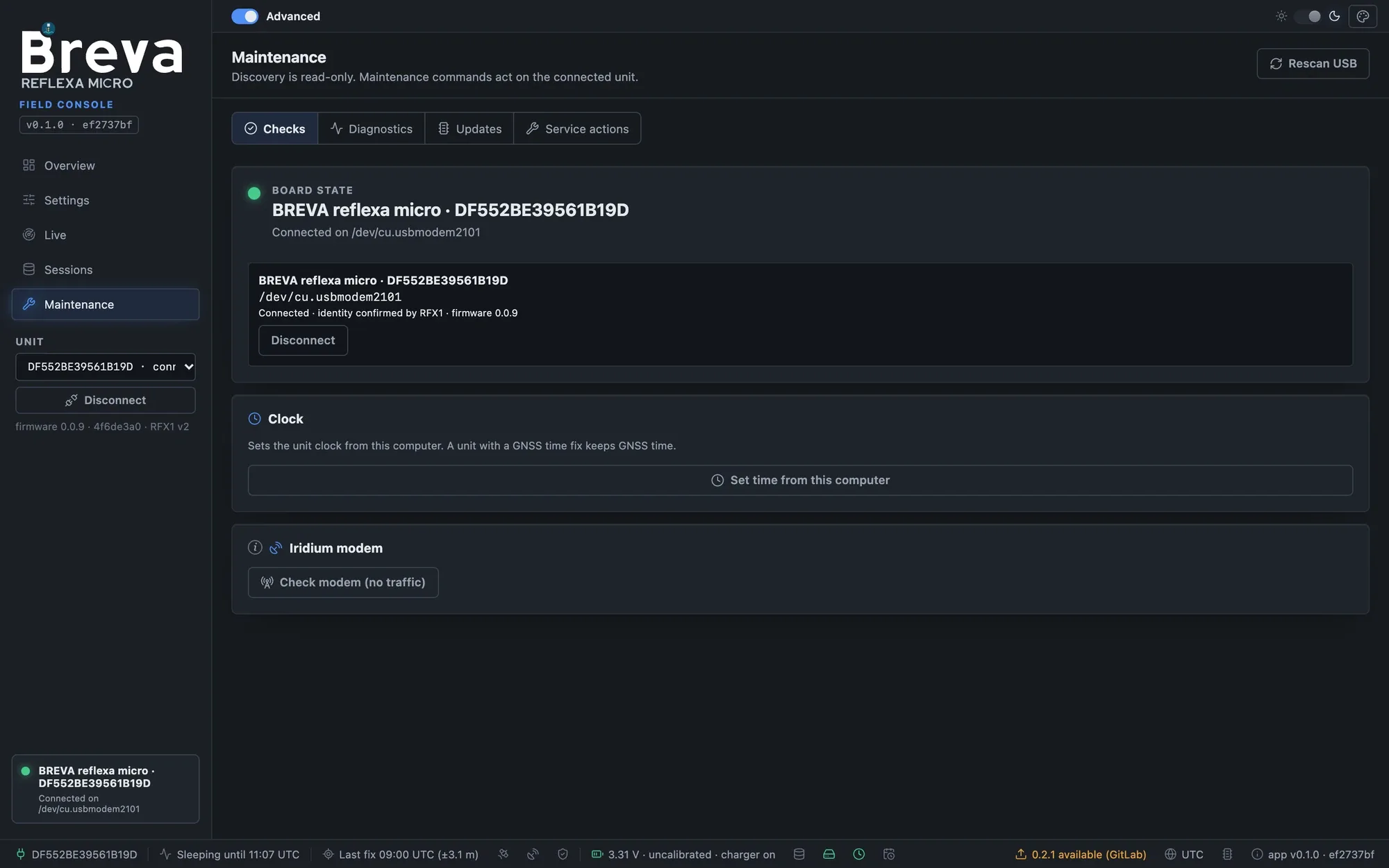
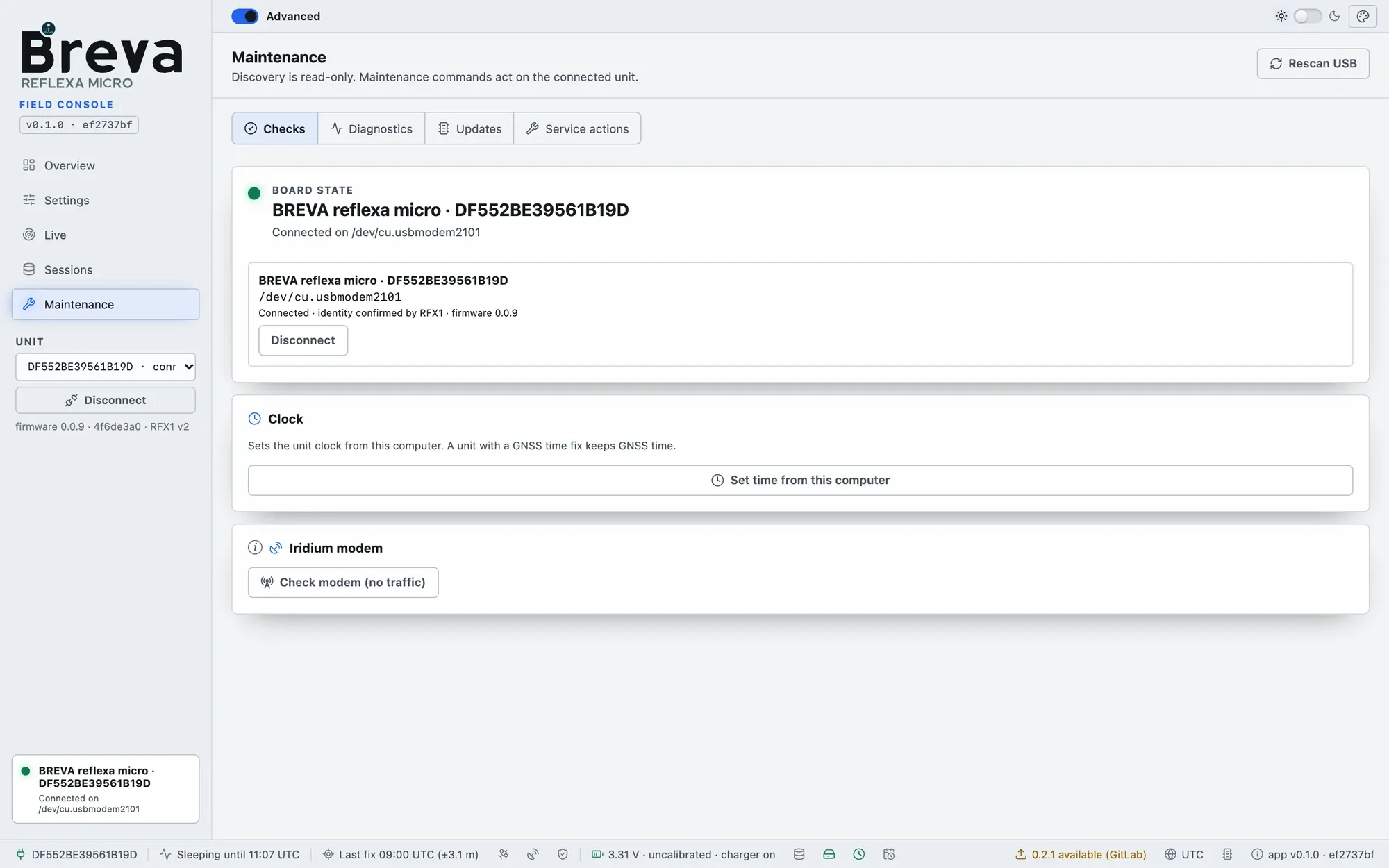
Checks: board state, set the clock from the computer, check the modem without traffic.
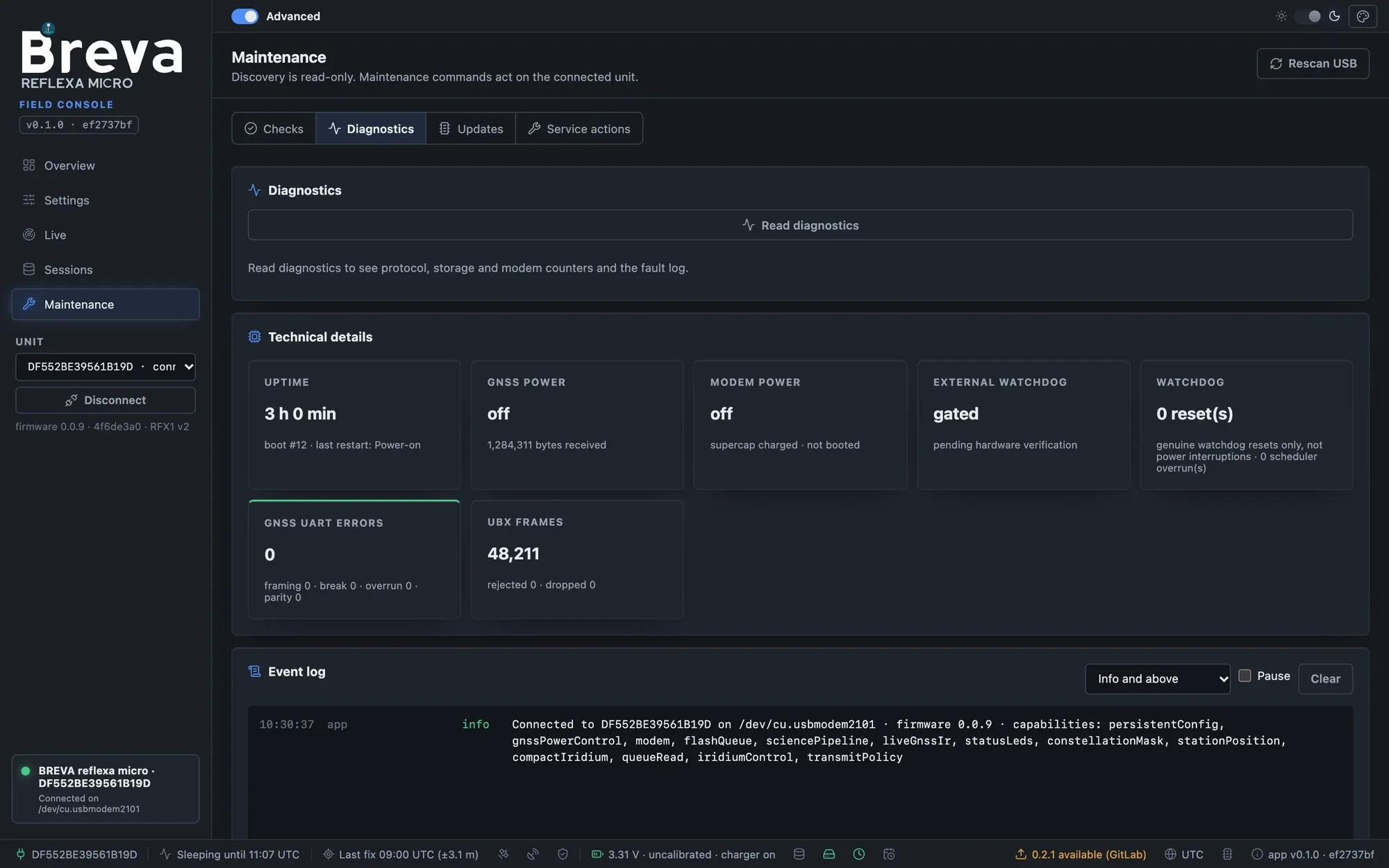
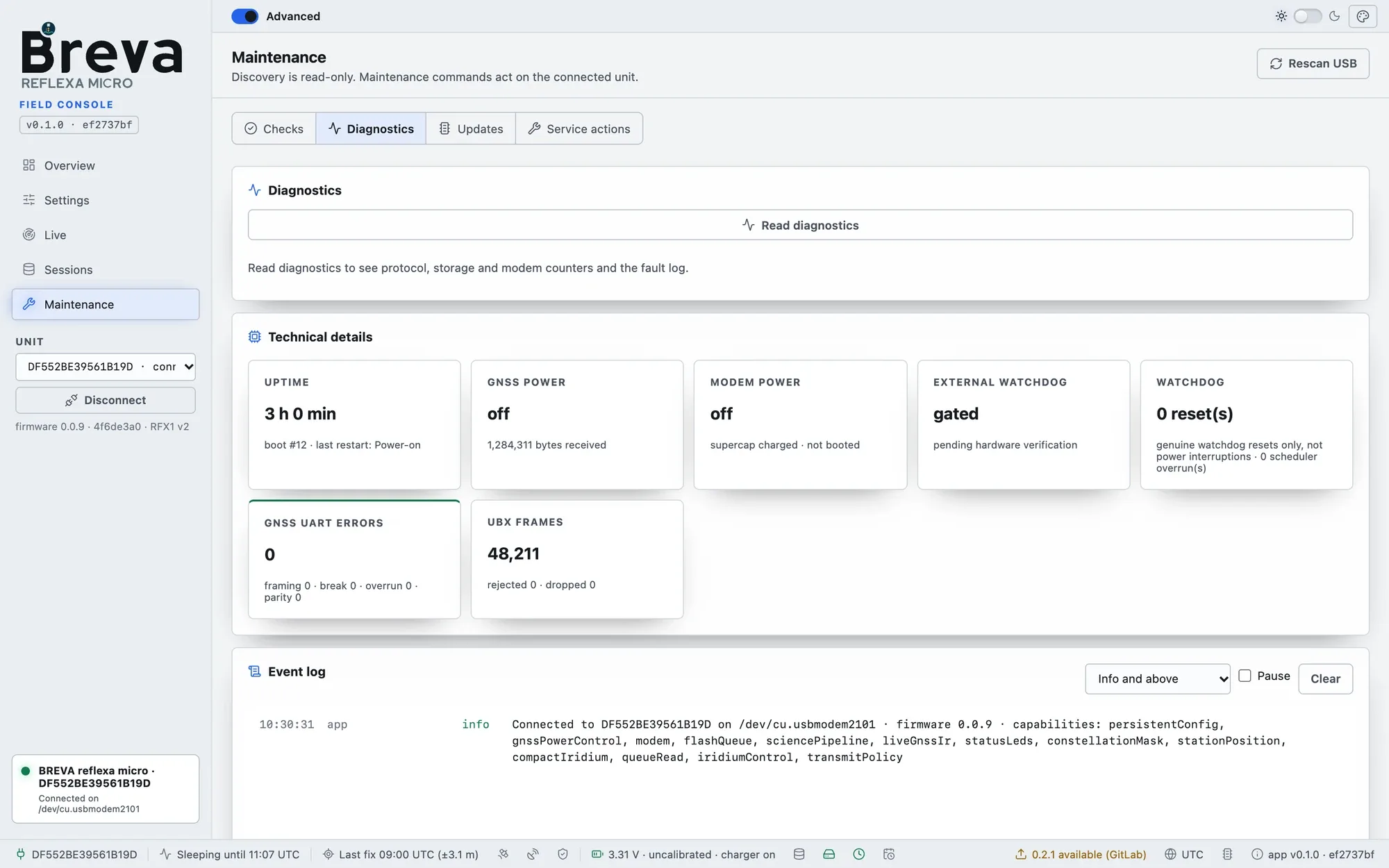
Diagnostics: read protocol, storage and modem counters, the fault log and the app event log.
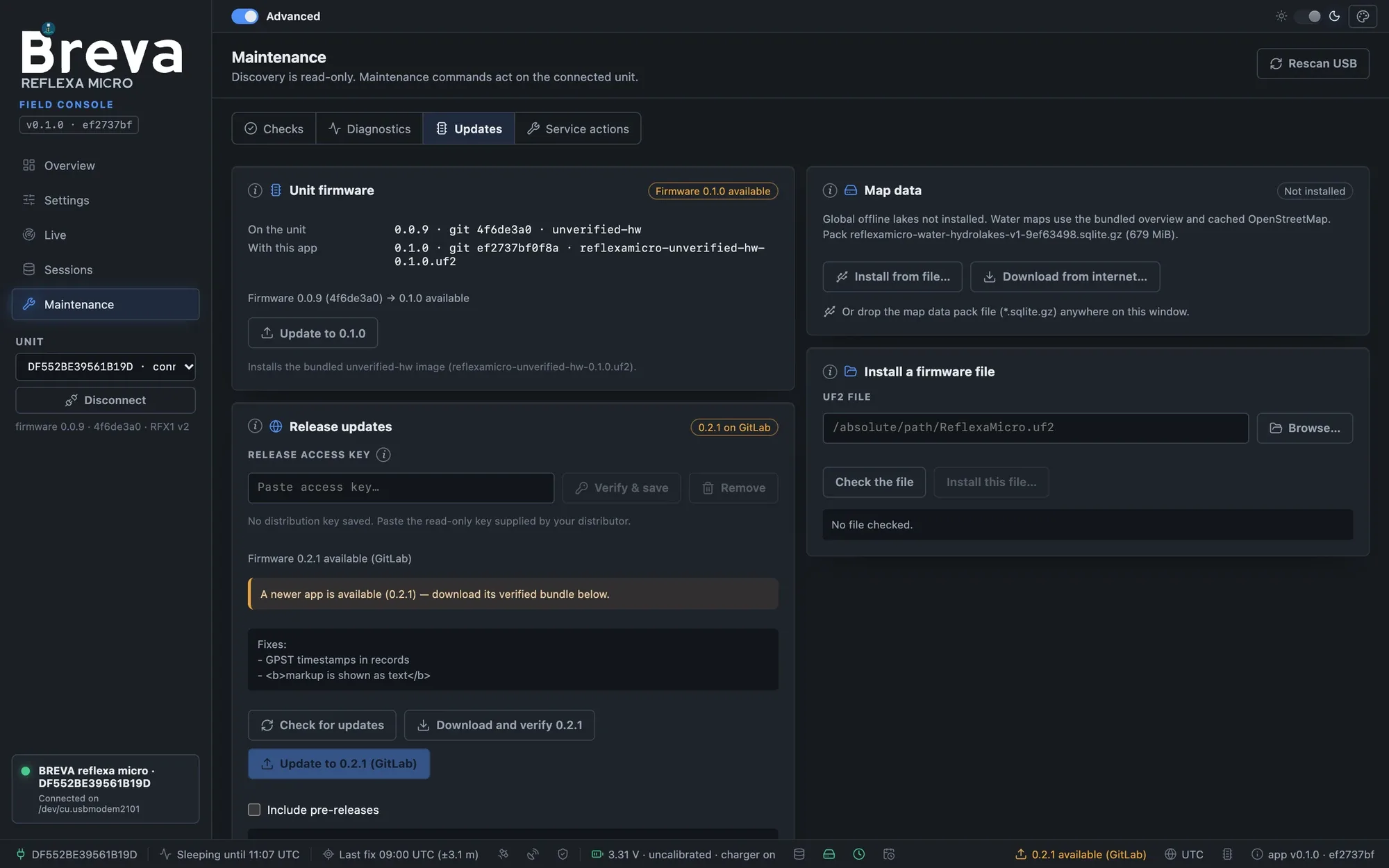
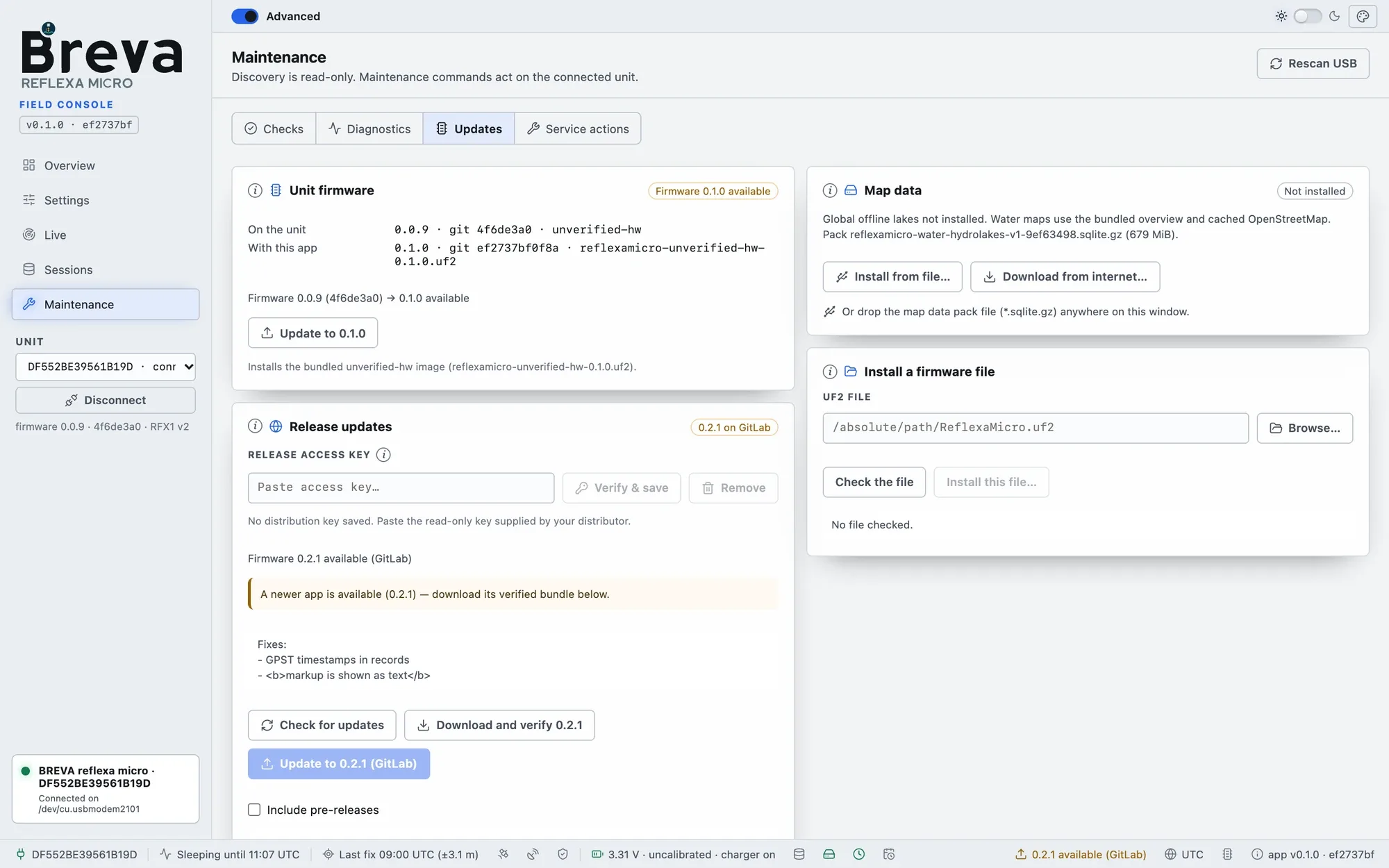
Updates: unit firmware, release updates, map data and installing a firmware file.
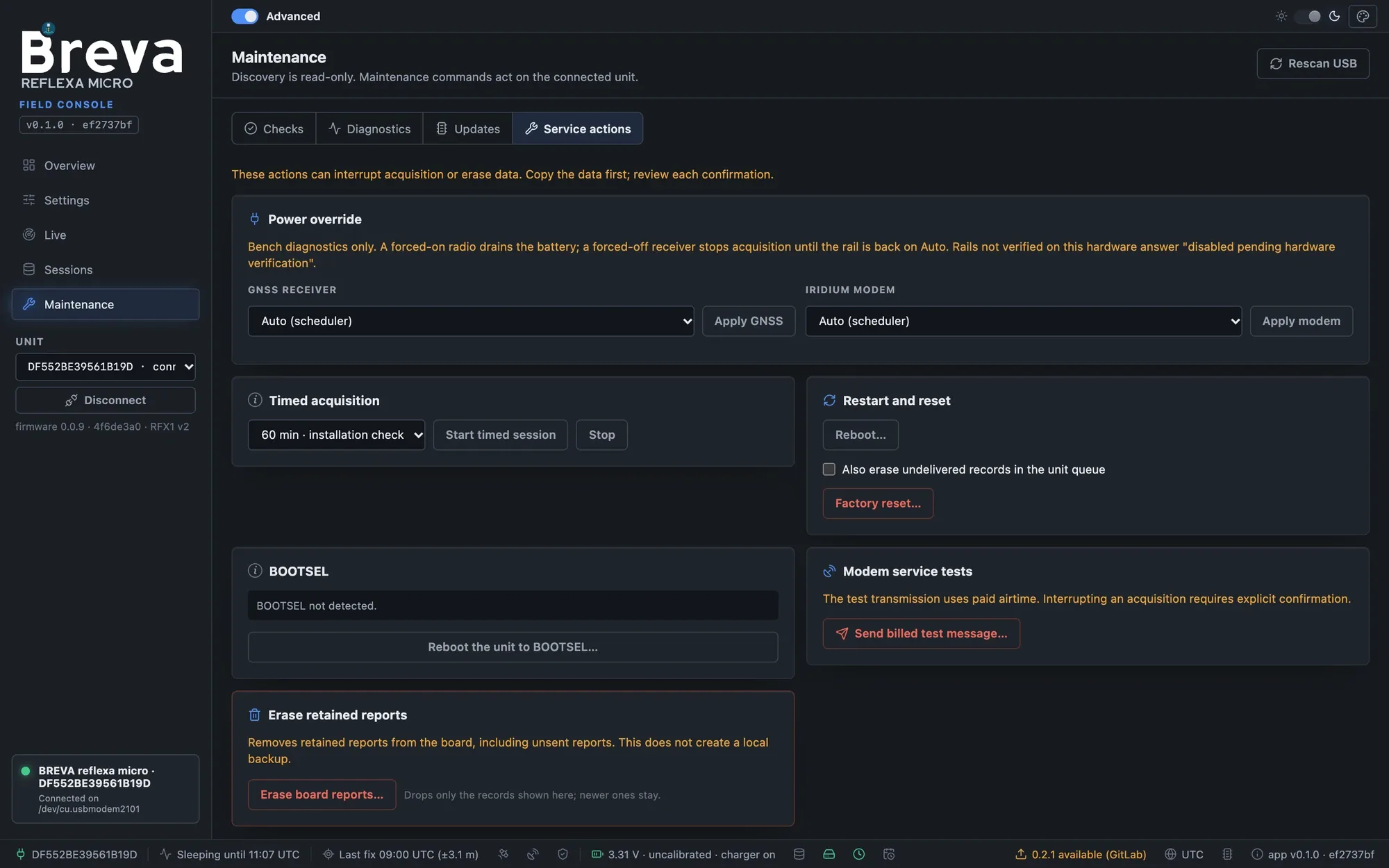
Service actions: power override, timed acquisition, restart and reset, BOOTSEL and modem tests. These can interrupt acquisition or erase data: read each confirmation.